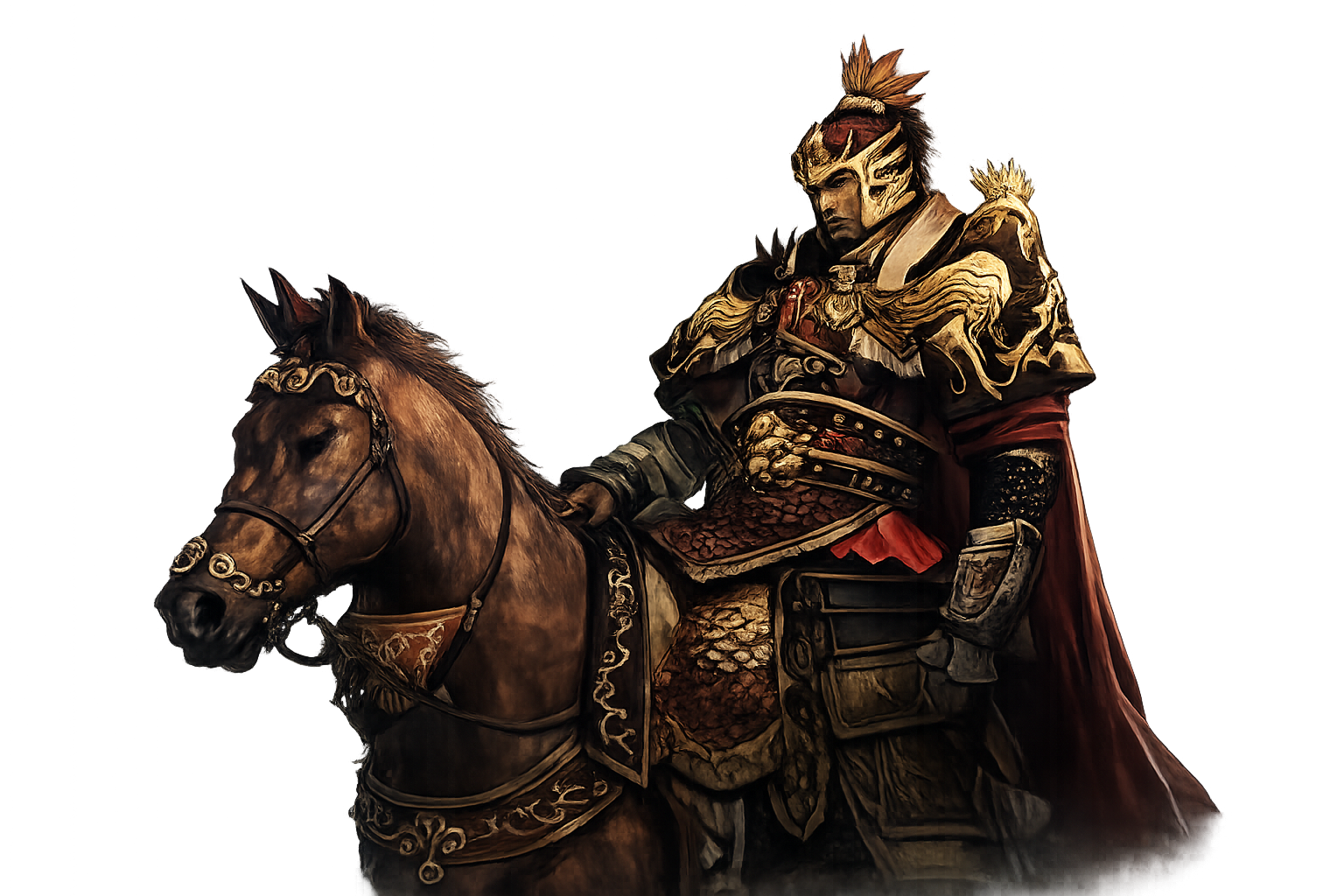
Welcome to INFINITY ONLINE. This guide explains how to install the game, create your account, and use the website alongside your in-game hero.
Getting Started
- Go to Download and install the game client using the download button on that page.
- Register a free account on this website — your website username and password are the same ones you use to log into the game.
- Launch INFINITY ONLINE and sign in with your account.
- Create your character and choose an available martial type (Sword, Axe, Spear, or Pentachord).
- Follow the tutorial quests in the starting area and reach your first job promotion around level 10.
Website Account
Logging in on the website keeps your account, nCash balance, and profile in sync with the game. After you sign in, the sidebar shows your username, nCash balance, and quick links.
- My Page — view your characters, update e-mail, and change your password
- Charge nCash — after logging in, use the Charge nCash button in your profile sidebar to add nCash to your account
- nCash Code — redeem a prepaid code if you have one
- Customer Support — open a ticket for account or in-game help (login required)
nCash is the premium currency used in the in-game cash shop. Your balance is shared between the website and the game client once credited.
Basic Controls
- Move with WASD or click the ground to walk.
- Left-click to attack; assign skills to your hotbar for martial arts techniques.
- Open inventory, character, quest, and House windows from the menu or hotkeys.
- Press Enter for chat — normal, whisper, party, and House ($) channels are available.
Leveling & Equipment
- Defeat monsters and finish quests to earn experience and gold.
- Loot weapons and armor from enemies and bosses; buy potions from NPC shops.
- Party with other heroes for faster hunting in fields and dungeons.
- Promote your job at the appropriate level to unlock new skills and titles.
- Reborn when eligible to access Divine or Dark character forms and higher-level content.
Community & Rankings
- Honor Ranking — top heroes by personal PvP Honor (starts at 1,000; gained and lost through player combat)
- House Ranking — top guilds by Fame (clan score from wars and guild activity)
- House — browse and search Zhuang or Shao guilds
- Screenshots — share in-game moments with the community
In-Game Systems
For detailed information about character types, job promotions, Honor vs Fame, factions, and wars, read the Game Info page.
Need Help?
Check the FAQ, read the Rules of Conduct, or contact Customer Support.